 SKYWALL
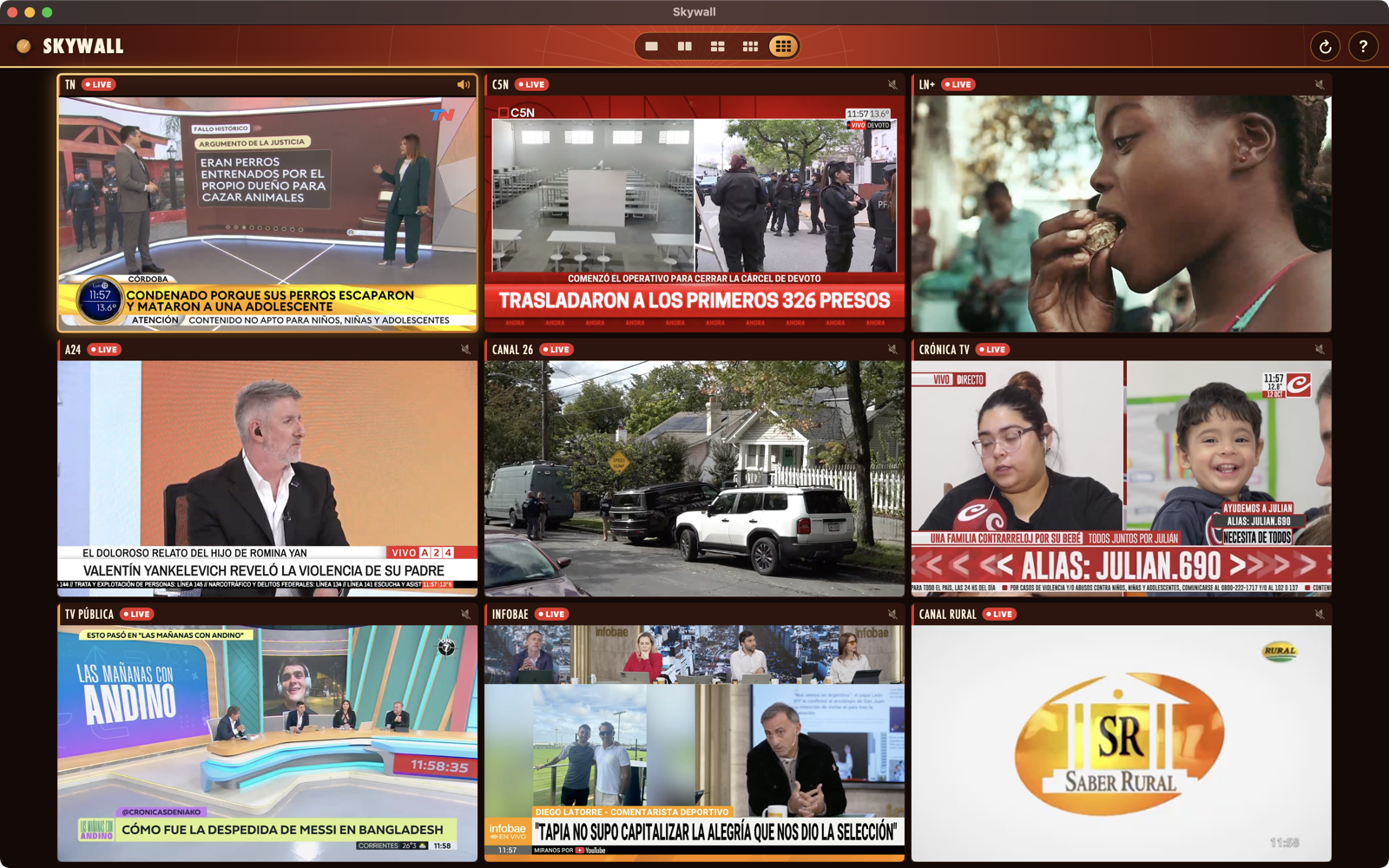
Up to nine at once
1, 2, 4, 6 or 9 live channels side by side on iPad, Mac and TV. Up to 4 on iPhone.
The whole world's live TV, on one wall.
Watch up to nine live channels at once, hear the one you choose, and send the wall to your TV. News, sports, broadcast TV and live cameras from dozens of countries.
One-time purchase · No subscription · No account
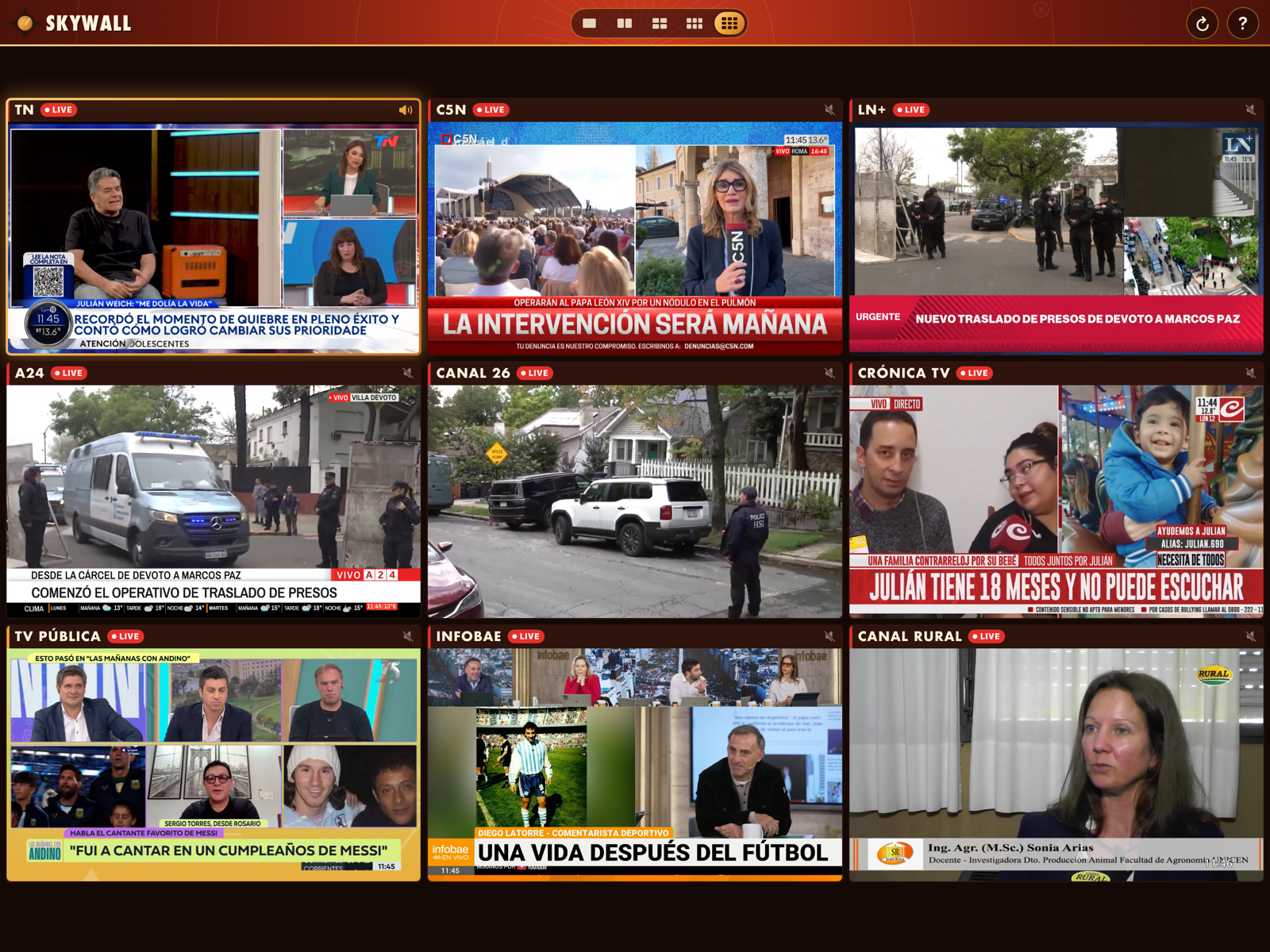
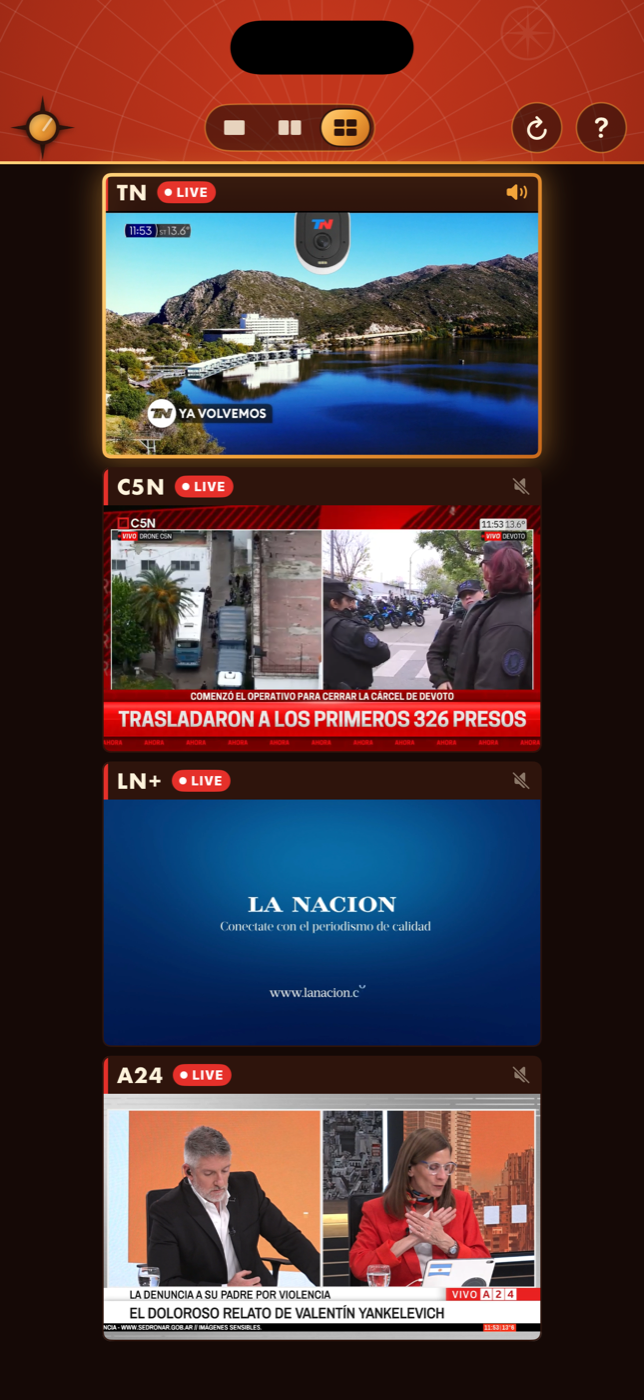
Choose 1, 2, 4, 6 or 9 screens on iPad, Mac and TV, or up to 4 on iPhone.
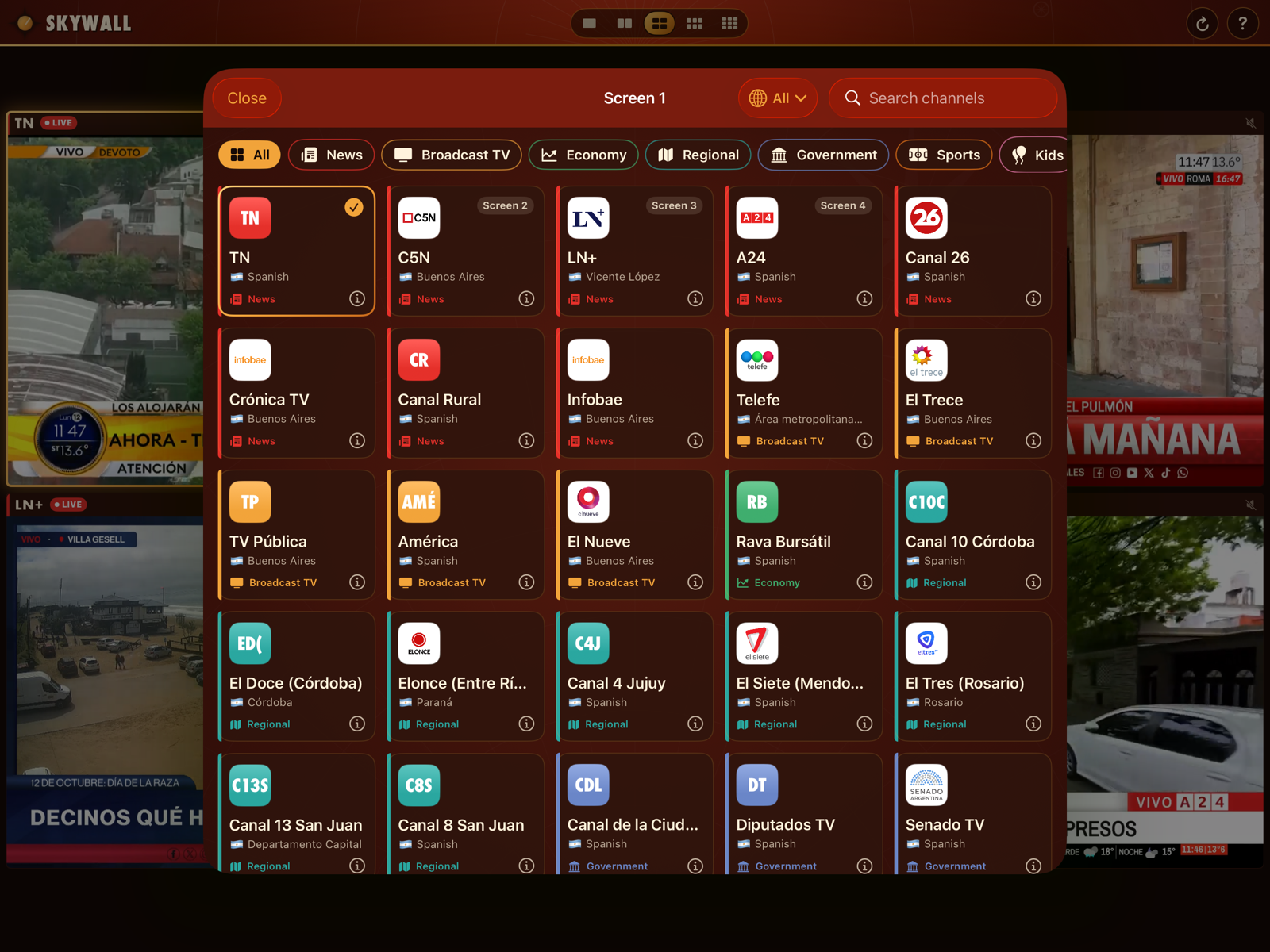
Browse by country, filter by category or language, or search. Touch and hold any screen to change its channel.
Tap a screen to hear it; only one plays sound at a time. Double tap to fill the wall with it, double tap again to go back.
1, 2, 4, 6 or 9 live channels side by side on iPad, Mac and TV. Up to 4 on iPhone.
Tap any screen to hear it. The others keep playing in silence, so the wall never turns into noise.
Something big happening? Double tap a screen to fill the wall with that channel. Double tap again to return.
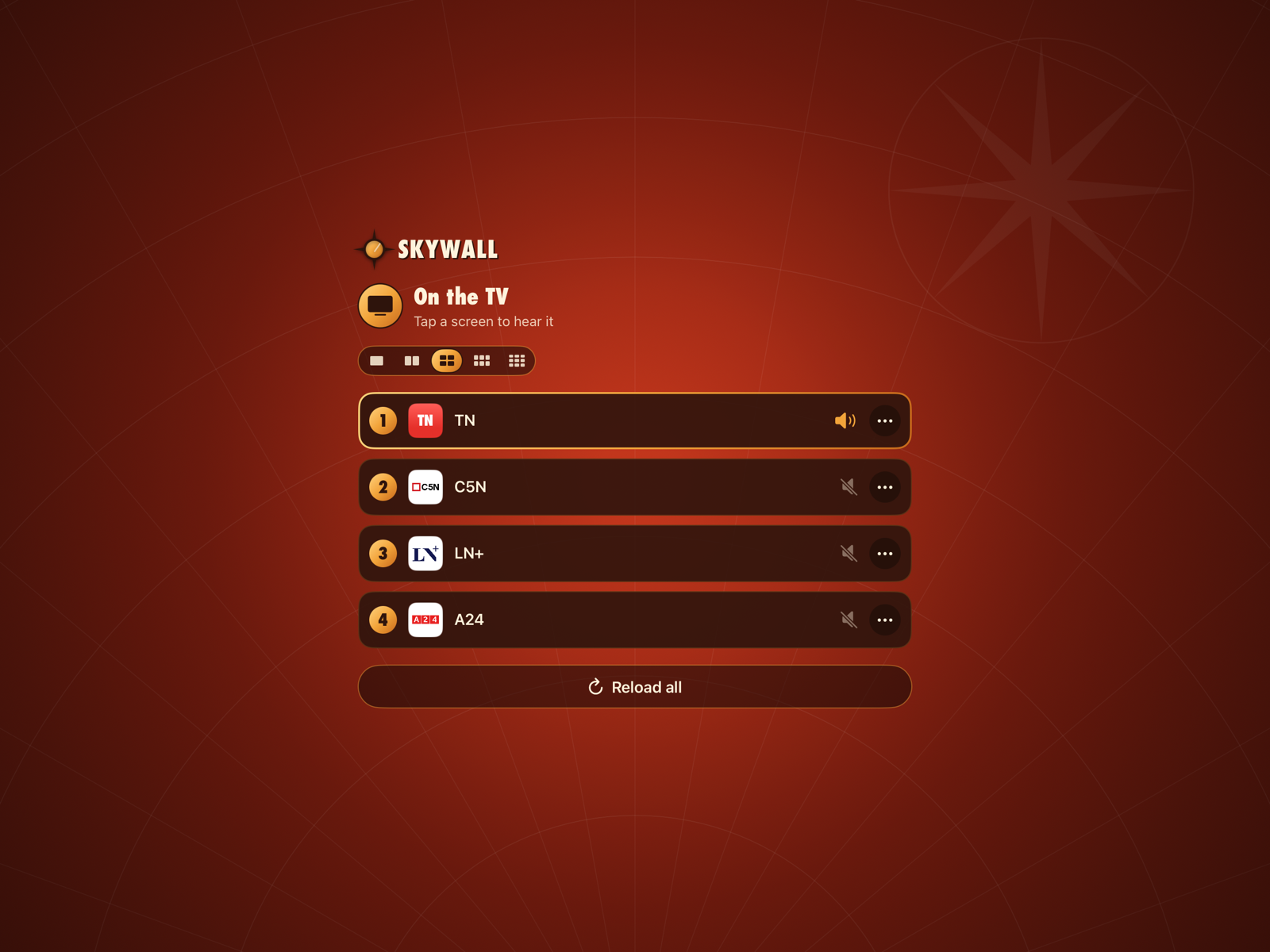
Connect a TV by cable or mirror to an Apple TV. The wall moves to the big screen and your iPhone or iPad becomes the remote.
News, broadcast TV, sports, economy, regional and more, with a catalog that keeps growing.
Search by name and filter by category or language to build your perfect wall in seconds.
Open a channel's details for a short description from Wikipedia, plus links to its website and YouTube channel.
Every channel is the broadcaster's own live stream on YouTube, played in YouTube's official player with the broadcaster's ads.
No account, no sign-in, no tracking. Your layout and channels stay on your device.
Connect a TV or monitor and Skywall moves the whole wall to the big screen. Your iPhone or iPad becomes the remote: change channels, choose which one you hear and reload a screen without getting up. Prefer both screens? In Settings, show the same channels on your device and TV, or give each screen its own channels.
Connect a TV or monitor with an HDMI or USB-C cable or adapter. The wall appears on the big screen right away.
Open Control Center, tap Screen Mirroring and choose your Apple TV. No extra app needed on the Apple TV.
While the wall is on the TV, your iPhone or iPad shows the controls for every screen.
Argentina first, plus the United States, Mexico, Spain, Brazil, Colombia, Chile, Peru, France, Germany, the United Kingdom and more. The channel list updates on its own, so new channels arrive without waiting for an app update.
Every channel plays the broadcaster's official YouTube live stream through YouTube's official player, ads included. Skywall is independent and not affiliated with YouTube, Google or the broadcasters.
iOS 17 or later. Up to 4 channels, or the full wall on your TV.
iPadOS 17 or later. Up to 9 channels at once.
macOS on Intel and Apple silicon. Up to 9 channels.
Runs the iPad app in your space.
Via AirPlay Screen Mirroring from iPhone or iPad.
No. Skywall is a one-time purchase on the App Store, with no subscription, no in-app purchases and no account. The channels themselves are free live streams that broadcasters publish on YouTube, with their own ads.
Live channels from dozens of countries, starting with Argentina and including the United States, Mexico, Spain, Brazil, Colombia, Chile, Peru, France, Germany, the United Kingdom and more. You'll find news, broadcast TV, sports, economy, regional, government, radio and live cameras. The list updates on its own and keeps growing.
Each broadcaster decides when its stream is on air. Some stream around the clock, others only during certain shows, and some limit playback by country. When a channel isn't live, its screen tells you so. Try again later, reload the screen, or pick another channel.
Every channel is the broadcaster's own official live stream on YouTube, played through YouTube's official player with the broadcaster's ads and branding untouched. Skywall simply puts several of them on one screen. It is an independent app and is not affiliated with YouTube, Google or the broadcasters.
Both work. With a cable, connect your iPhone or iPad to the TV or monitor with an HDMI or USB-C cable or adapter. With AirPlay, open Control Center, tap Screen Mirroring and choose your Apple TV. Either way the wall moves to the TV and your device becomes the remote. Prefer both screens? In Settings, show the same channels on your device and TV, or give each screen its own channels.
Not a separate one. Apple TV works through AirPlay Screen Mirroring from your iPhone or iPad: the wall fills your TV and your device stays in your hand as the remote.
Yes. Skywall runs on Macs with Intel or Apple silicon, and Apple Vision Pro runs the iPad app.
Skywall has no account, no sign-in and no tracking, and it collects no personal data. Your layout and chosen channels stay on your device. The app downloads the public channel list, and the YouTube player is provided by Google under its own privacy policy. Read the full Privacy Policy.
Please do. Email support@screencommand.app with the channel's name, its country and, if you have it, a link to its official YouTube live stream.
Skywall and this website are both available in 18 languages: English, Spanish, Simplified Chinese, Japanese, French, Brazilian Portuguese, Korean, Italian, Russian, Traditional Chinese, Arabic, Turkish, Dutch, Polish, Swedish, Indonesian, German and Malay. Channels broadcast in many languages, and you can filter the channel list by language to find the ones you speak.
Put the world's live TV on one wall.